
Create, print and find GRs
Fill a GR once and print the driver, consigner and consignee copies. Find any old GR by number, customer or date.
BiltyOne Desktop
Create, print and search lorry receipts on your Windows PC. Internet is needed only once, to activate.
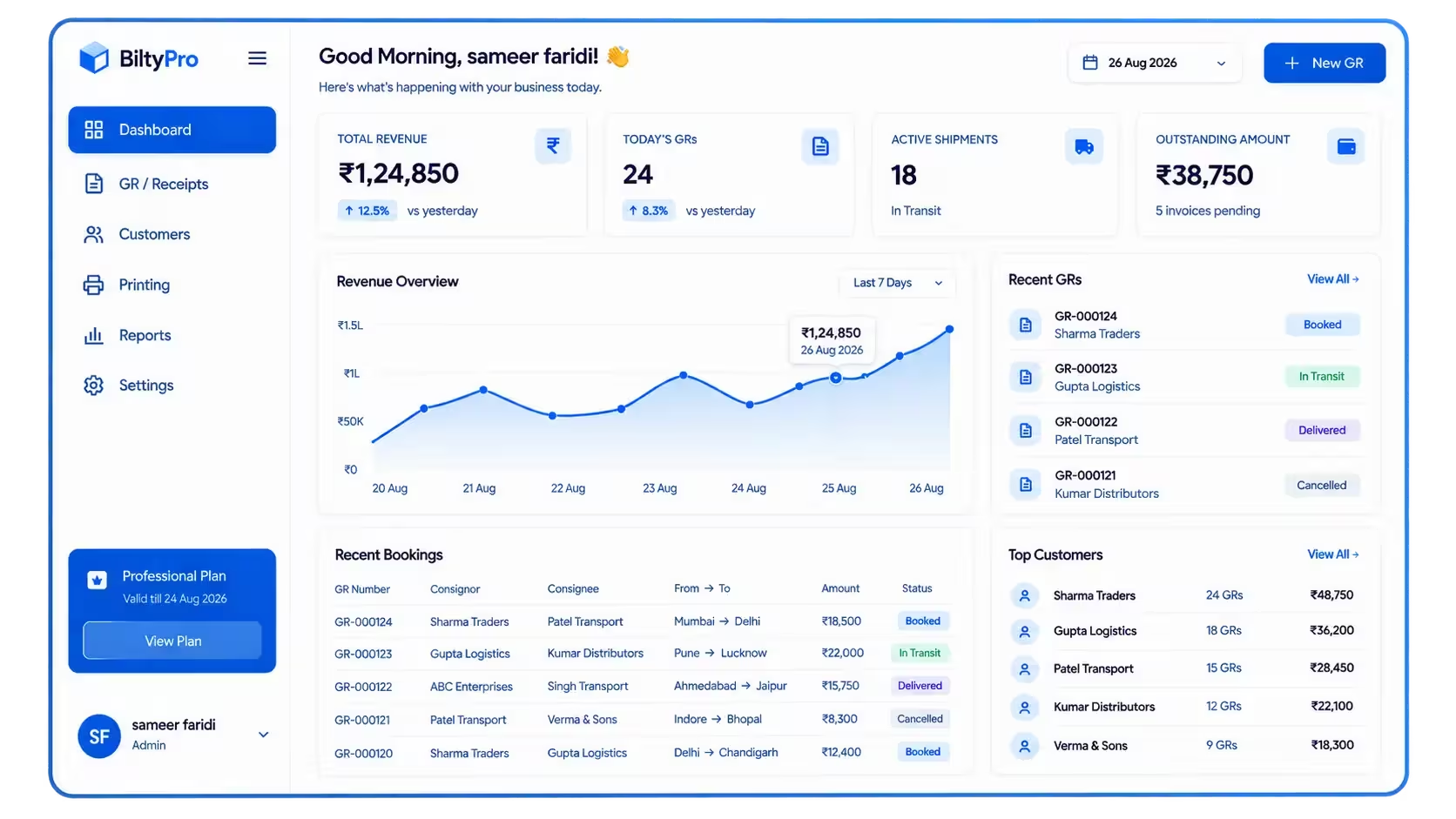
The GR, customer and printing tools from the web app, running on one Windows computer.
Fill a GR once and print the driver, consigner and consignee copies. Find any old GR by number, customer or date.
After the one-time activation the app runs fully offline, so a slow or dead connection at the office doesn't stop your GR work.
Save consigners and consignees once, then pick them on a new GR instead of typing it all again.
City and state fill in from the pincode, using India Post data built into the app.
A broken computer doesn't have to mean lost GRs. Keep copies on your side, and we keep one too.
Backup file
Save everything to one file, whenever you like.
Automatic backups
Copies saved to a folder you choose.
Weekly cloud copy
Sent to BiltyOne once a week when online.
Here is the whole process, from download to your first GR.
Enter your email and we send you the download link and a free 7-day trial key straight away.
Extract the .zip and run the setup file. If Windows says "Windows protected your PC", choose More info, then Run anyway.
Your free 7-day trial key is in the same email. The 7 days start when you activate it, not when it is sent.
Open BiltyOne, enter your key and start creating GRs. This is the only step that needs internet.
Both are BiltyOne. Pick the one that fits how your office works.
| Feature | Web app | Desktop app |
|---|---|---|
| Runs on | Any browser, on a phone or computer | One Windows 10 or 11 PC |
| Internet | Needed while you work | Only once, to activate |
| Your data | Stored online by BiltyOne | Stored on your computer, with a weekly backup copy sent to BiltyOne |
| Sign in | From anywhere, with your account | No account. The app is tied to that one computer |
| Dashboard and analytics | Included | Not included |
| Price | Free for early transporters | Free download and 7-day trial. Contact us for a full key |
Prefer working in the browser?
The download email includes a free 7-day trial key. The 7 days start when you activate it in the app. For a full licence key after the trial, contact us. One key works on one computer.
Contact us for a full keyThe download is free, and the download email includes a free 7-day trial key. The 7 days start when you activate it. To keep using BiltyOne after the trial, contact us for a full licence key.
Only once, to activate your licence key. After that you can create, print and search GRs with no connection. When the computer is online, the app also sends a backup copy to BiltyOne once a week.
In a database on your own computer. You can save a full backup file at any time, keep automatic backups in a folder you choose, and export to Excel. If the computer breaks, contact us and we will help you restore from the latest weekly copy.
No. A key works on one computer at a time. If you move to a new computer, contact us and we will move your key to it.
Yes. Windows shows "Windows protected your PC" for new apps that are not widely downloaded yet. Click More info, then Run anyway to continue the install.
Yes. In Settings you can import GRs from an Excel or CSV file, using the import template in the app or a file exported from BiltyOne.
Not yet. BiltyOne Desktop is for Windows 10 and 11 (64-bit) for now. On a Mac, use BiltyOne in your browser.
It usually arrives within a minute. Check your Spam or Promotions folder. You can ask for the link again after two minutes.
Free download for Windows 10 and 11.