
Short answer
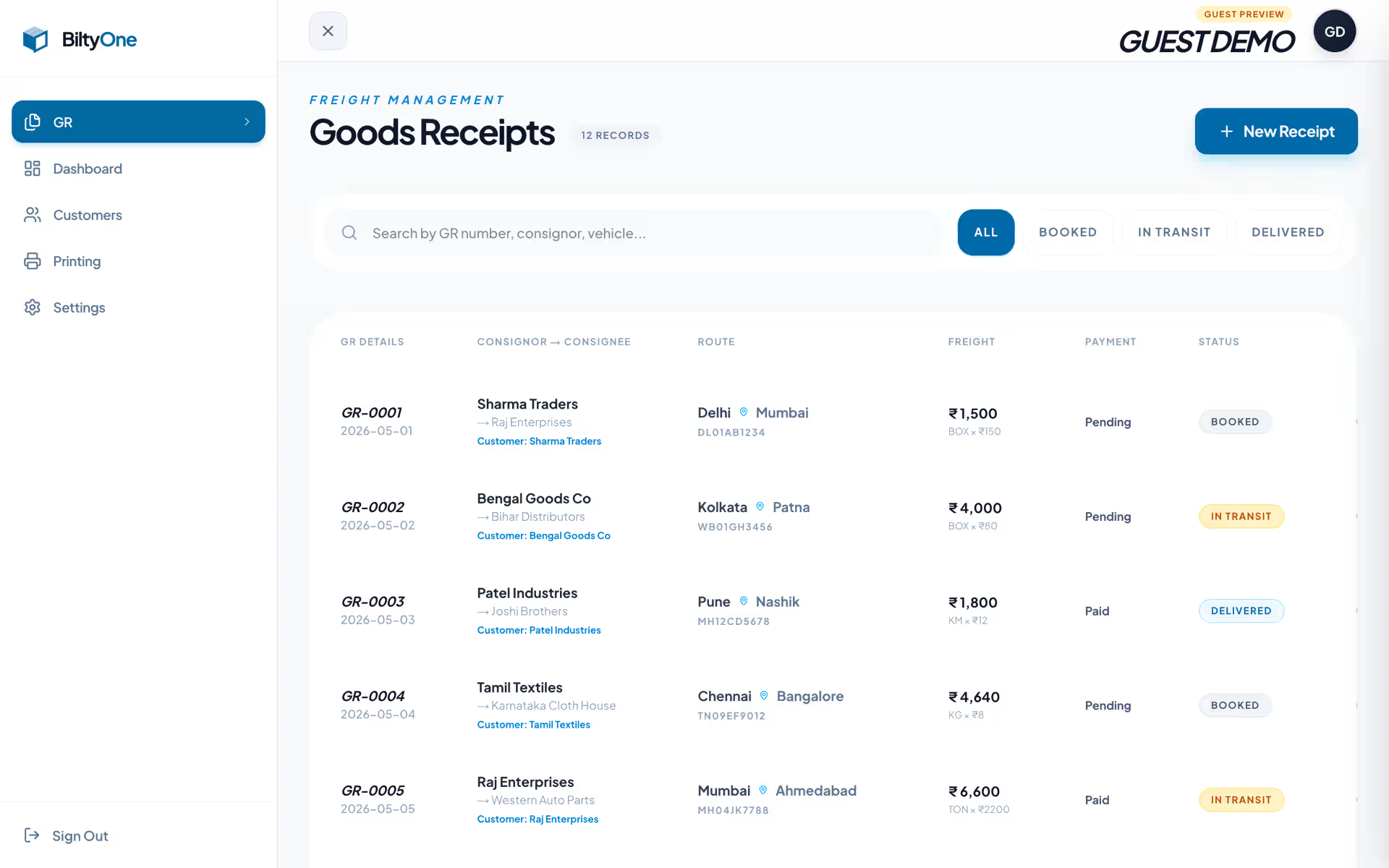
What you can do online with BiltyOne
- Create GR / LR (bilty) with automatic GR numbers and freight calculated per KM, box, kg, quintal or ton.
- Print three copies (driver, consignor, consignee) with your logo, GSTIN, PAN and address, or save the PDF to share.
- Save customers once and pick them from a list; pincode lookup fills in city and state.
- Track every load as booked, in transit or delivered, and every payment as pending or paid.
- Send freight statements: a PDF bill for any customer and date range, with every GR attached.
- Find anything by GR number, consignor, consignee, vehicle number or city.
- Import and back up: bring old records in from Excel or CSV and download a full Excel backup at any time.
- See the business at a glance on the dashboard: revenue, GRs booked, loads in transit and pending payments.
Online vs desktop vs paper
Both BiltyOne versions create the same GRs. Choose by how your office works:
| BiltyOne online | BiltyOne Desktop | Paper GR book | |
|---|---|---|---|
| Runs on | Any browser, phone or computer | One Windows 10/11 PC | A desk |
| Internet | Needed while you work | Only once, to activate | Not needed |
| Access from anywhere | Yes | No, that one PC | No |
| Where data lives | Stored securely online | On your PC, plus a weekly backup copy | In the book |
| Backups | Online, plus Excel download | Backup file, auto-backups and Excel | None |
| Updates | Automatic | Installed by you | Not applicable |
| Dashboard | Included | Not included | No |
| Cost | Free for early transporters | Free download, 7-day trial | Books, carbon and staff time |
Why transporters are moving online
- Work from anywhere. Check a GR or a customer’s pending payments from home, from the yard or while travelling, without calling the office.
- No single point of failure. A crashed computer, a lost pen drive or a flooded office no longer means lost records.
- Always up to date. Improvements arrive automatically. Nobody has to install updates or call an engineer.
- Faster month-end. Statements are built from GRs already in the system, so billing a customer takes minutes.
- Nothing to buy. No server, no installation fee, no annual maintenance contract.
Is online transport software safe?
It is usually safer than paper or a single office PC. BiltyOne encrypts data between your browser and our servers and stores your records encrypted. Only people signed in to your company account can see your data. You can also download a complete Excel backup whenever you like, so your records are never locked inside the software. Details are on our security page.
A transport management application for phone and PC
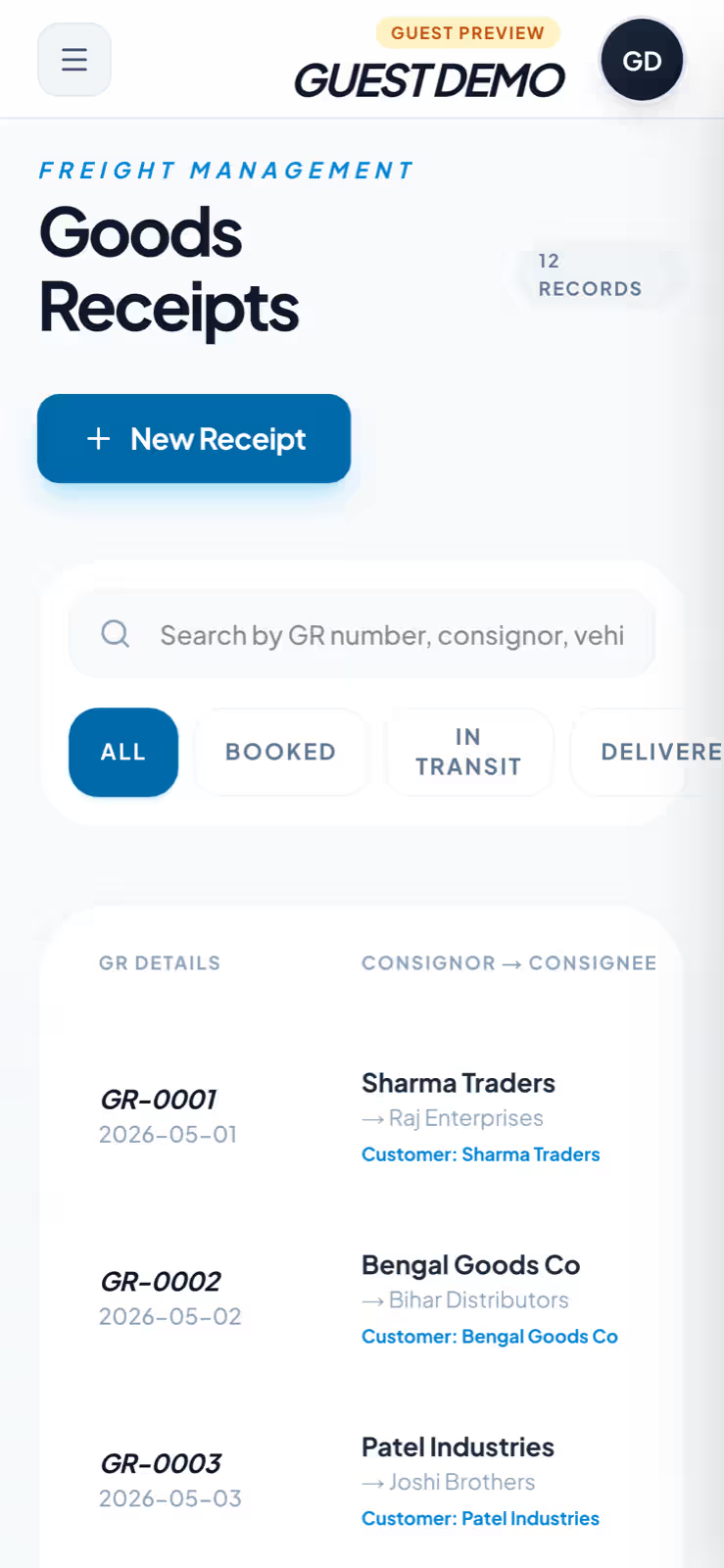
BiltyOne is available as two applications. The web application works on Android phones, iPhones, tablets, Windows PCs and Macs in any modern browser; on a phone, use “Add to Home screen” in the browser menu and BiltyOne opens like an app. The desktop application, BiltyOne Desktop, installs on Windows 10 or 11 and keeps working with no internet after a one-time activation.
Choose the desktop application if:
- Your office or yard regularly loses internet during the day.
- You prefer your records stored on your own computer.
- GRs are made on one fixed PC next to the printer.
Get started in five minutes
- Create a free account with your name, phone number and company details. No credit card.
- Check your company details and upload your logo in Settings. They print on every GR.
- Add your regular customers. If you have old GRs in Excel, import them too.
- Create your first GR: pick the customer, enter route, goods and rate, and save.
- Print the three copies, or save the PDF to share.
Prefer to look around first? The live demo opens BiltyOne with sample data and no signup.