
Short answer
What a small transporter actually needs
Large transport ERPs are built for companies with hundreds of trucks, a workshop and an accounts department. A small transport business has different problems: the owner often writes the GRs, there is no time for training, and every rupee spent on software has to pay for itself.
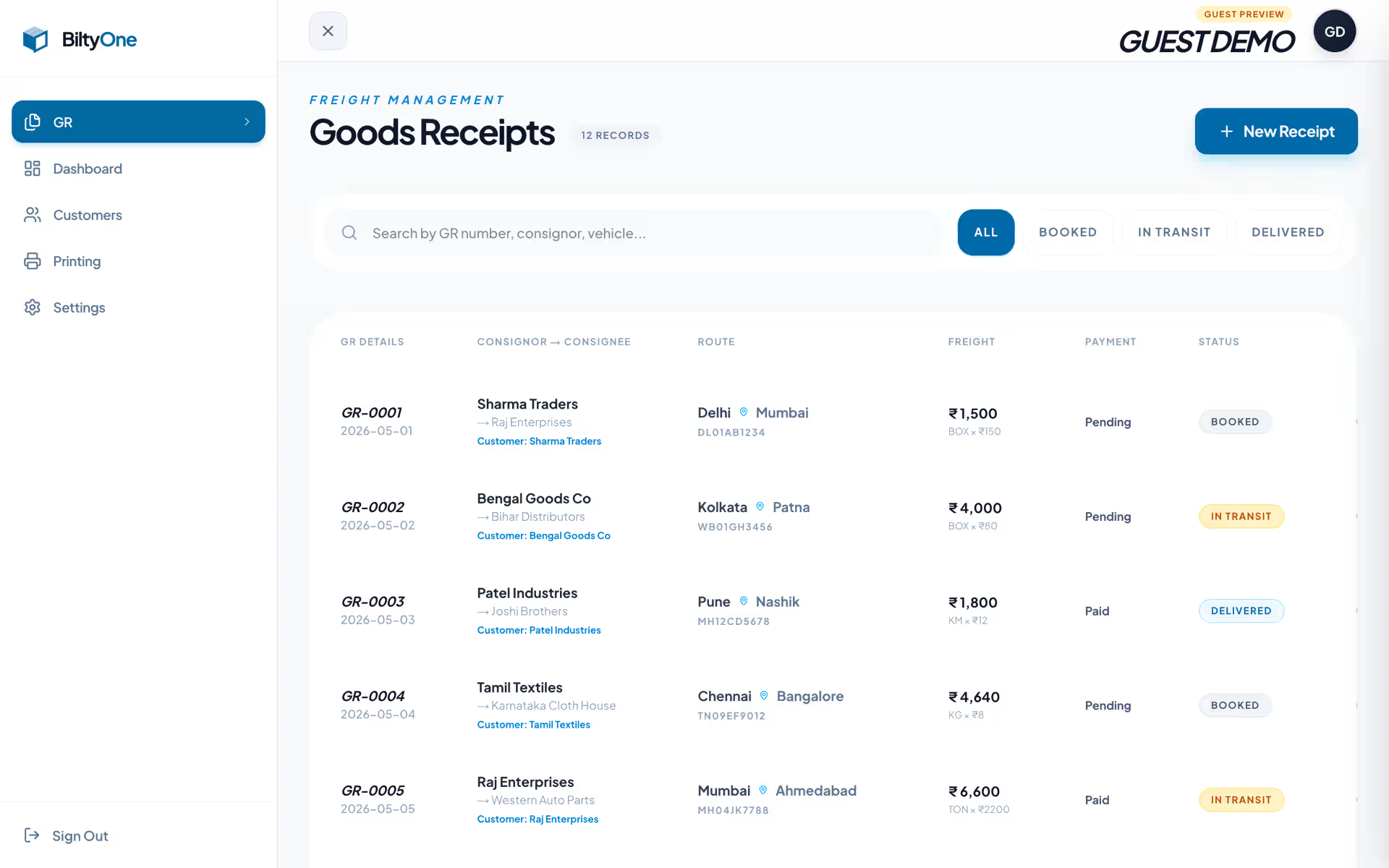
- Fast GRs. A complete GR/LR in under two minutes, with the GR number and freight filled in for you.
- Clean printed copies. Driver, consignor and consignee copies with your name, logo and GSTIN, so a small business looks as professional as a big one.
- Customer memory. Save regular customers once; their details and default rate fill in automatically.
- Know who owes you. Mark each GR paid or pending, and send a statement for any period.
- Records that survive. Everything stored online, with a full Excel backup whenever you want one.
- Works where you work. On a phone at the yard, a PC in the office, or offline on Windows when the internet is unreliable.
What you can skip
Plenty of transport software is sold with modules a small transporter rarely needs on day one:
| Feature | Small business needs it now? | Notes |
|---|---|---|
| GR / LR creation and printing | Yes | The core of every transport business |
| Customer records and statements | Yes | Saves hours at month end |
| Payment tracking | Yes | Stops money slipping through the cracks |
| Backups and export | Yes | Your records are your business |
| GPS tracking | Usually not | A phone call or a separate GPS device is often enough |
| Route optimisation | No | Built for large multi-drop fleets |
| Payroll and HR | No | A few drivers do not need an HR module |
| Full accounting | Not in the TMS | Give the Excel export to your CA or accounting software |
If you are weighing a full suite, read transport ERP software vs a TMS first.
What it costs
BiltyOne is free for early transporters: no setup fee, no per-user charge and no credit card at signup. If paid plans are introduced later, existing users get fair notice in advance, and you can download all of your data to Excel at any time, so there is no lock-in. The real saving for most small businesses is time: fewer hours writing GRs, fewer billing mistakes and no separate person just for paperwork. See BiltyOne pricing for what is included and how it compares with paper, Excel and ERP.
A day with BiltyOne
Morning: bookings
A regular customer calls with a load for Jaipur. Pick their name, enter the goods, weight and rate, and save. The GR number and freight are filled in; print the three copies and hand the driver their copy.
Afternoon: delivery and payment
The driver reports delivery. Mark the GR delivered and, once the money arrives, paid. If a customer calls about an old load, search by GR number, their name or the vehicle number.
Month end: billing
Open the Printing tab, choose the customer and the month, and download a freight bill that lists every GR with totals, amount paid and balance due. Download an Excel backup for your records.
Start in one afternoon
- Sign up free with your company details. No credit card.
- Upload your logo in Settings.
- Add your regular customers. If you have old GRs in Excel, import them too.
- Create and print your first GR.
- Keep the paper book for a week as a safety net, then switch.
Want to look first? Open the live demo with sample data. No signup needed.