
Short answer
Where software helps a transport company
Here is a typical day in a transport office, before and after BiltyOne:
| Task | Paper book / Excel | In BiltyOne |
|---|---|---|
| Taking a booking | Note it in a register, then copy it into the GR book | Pick the customer; details fill in |
| Writing the GR | 20+ fields by hand, three carbon copies | Under 2 minutes, three copies printed together |
| GR numbering | Kept by hand; gaps and duplicates happen | Automatic, unique and never reused |
| Freight | Calculated on paper or a calculator | Rate × quantity, calculated as you type |
| “Where is my maal?” | Phone the driver | Check the GR status: booked, in transit, delivered |
| Month-end billing | Type up each customer’s GRs again | Statement PDF for any customer and date range |
| Pending payments | Remember or search the books | Payment status on every GR |
| Finding an old GR | Search through stacks of books | Search by GR number, party, vehicle or city |
| Keeping records safe | Shelves, cupboards and luck | Stored online, with a full Excel backup |
Built around the people in your office
The owner
The dashboard shows revenue, GRs booked, loads in transit and outstanding payments. Because BiltyOne runs online, you can check any GR or customer from home or on the road, without phoning the office.
The booking clerk
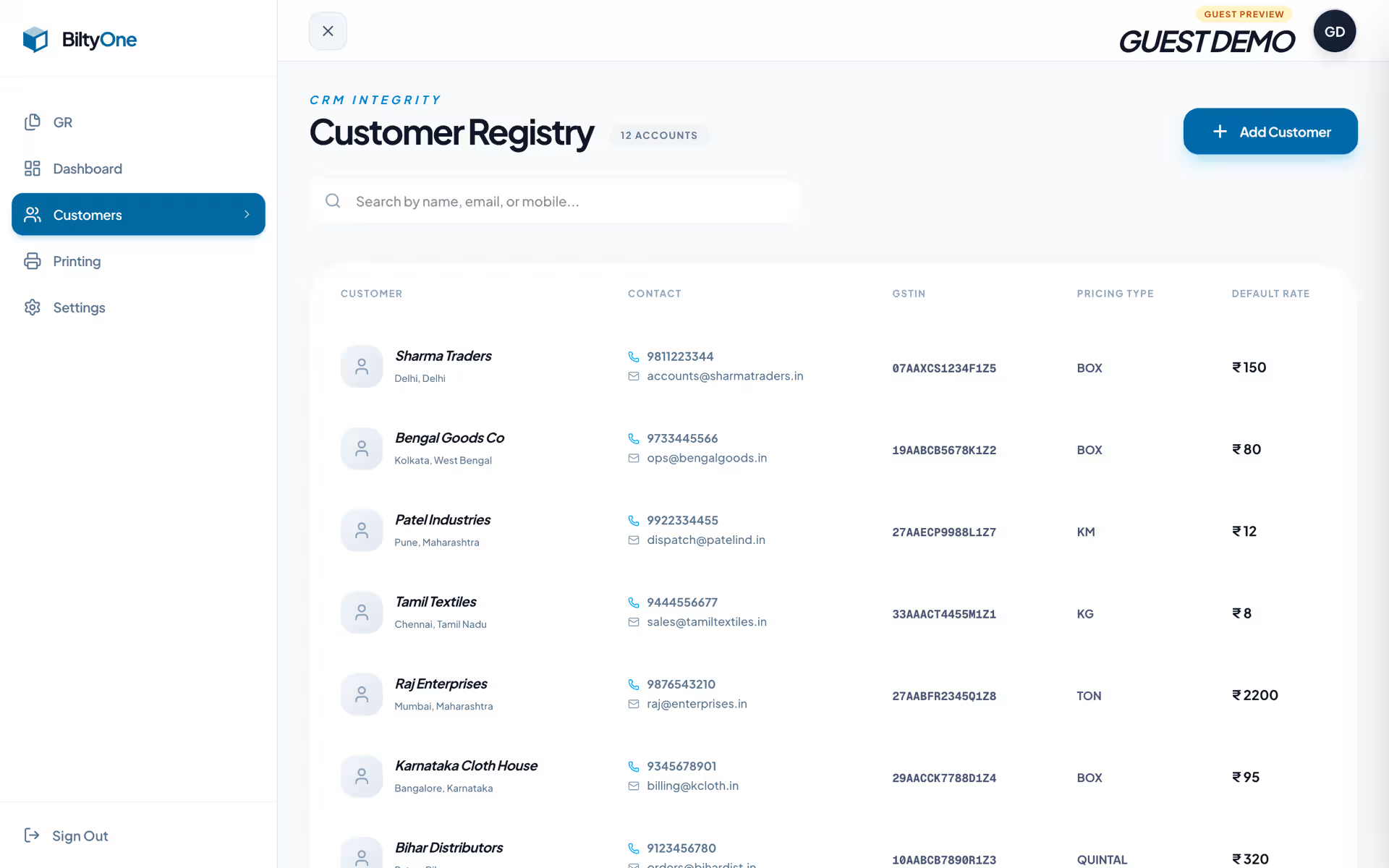
Regular customers are saved once and chosen from a list. The GR number and freight are filled in automatically, the pincode fills the city and state, and the three copies print together. A GR that took 15 minutes by hand takes a couple of minutes.
The accounts person
Every GR carries a billing type (Paid, To Pay, To Be Billed) and a payment status. At month end, the Printing tab turns a customer’s GRs into a freight bill with totals, amount paid and balance due. The full Excel backup goes straight to your CA.
The driver
A clean, printed driver copy with the GR number, route, consignor, consignee, goods, vehicle number, invoice and e-way bill numbers. No smudged carbon, no missing details at a checkpost.
Transport business software for every kind of transport business
- Full-truckload transporters pricing by KM, weight, quintal or ton.
- Part-load and parcel booking offices pricing by box or package.
- Fleet owners who run their own trucks and book directly with factories and traders.
- Transport agents and brokers who book loads on hired vehicles and issue their own GRs.
- Tempo and mini-truck operators doing local and intercity deliveries.
- Contract transporters serving regular factory customers on monthly “to be billed” accounts.
Running a small operation? See our page on the transport software for small business.
Billing your customers
A transport company rarely collects all its freight the same way, so every GR records who pays: Paid at booking, To Pay on delivery, or To Be Billed to an account customer later. At month end, the Printing tab turns each account customer’s GRs into one freight bill with the total, amount paid and balance due, built from GRs your office already entered.
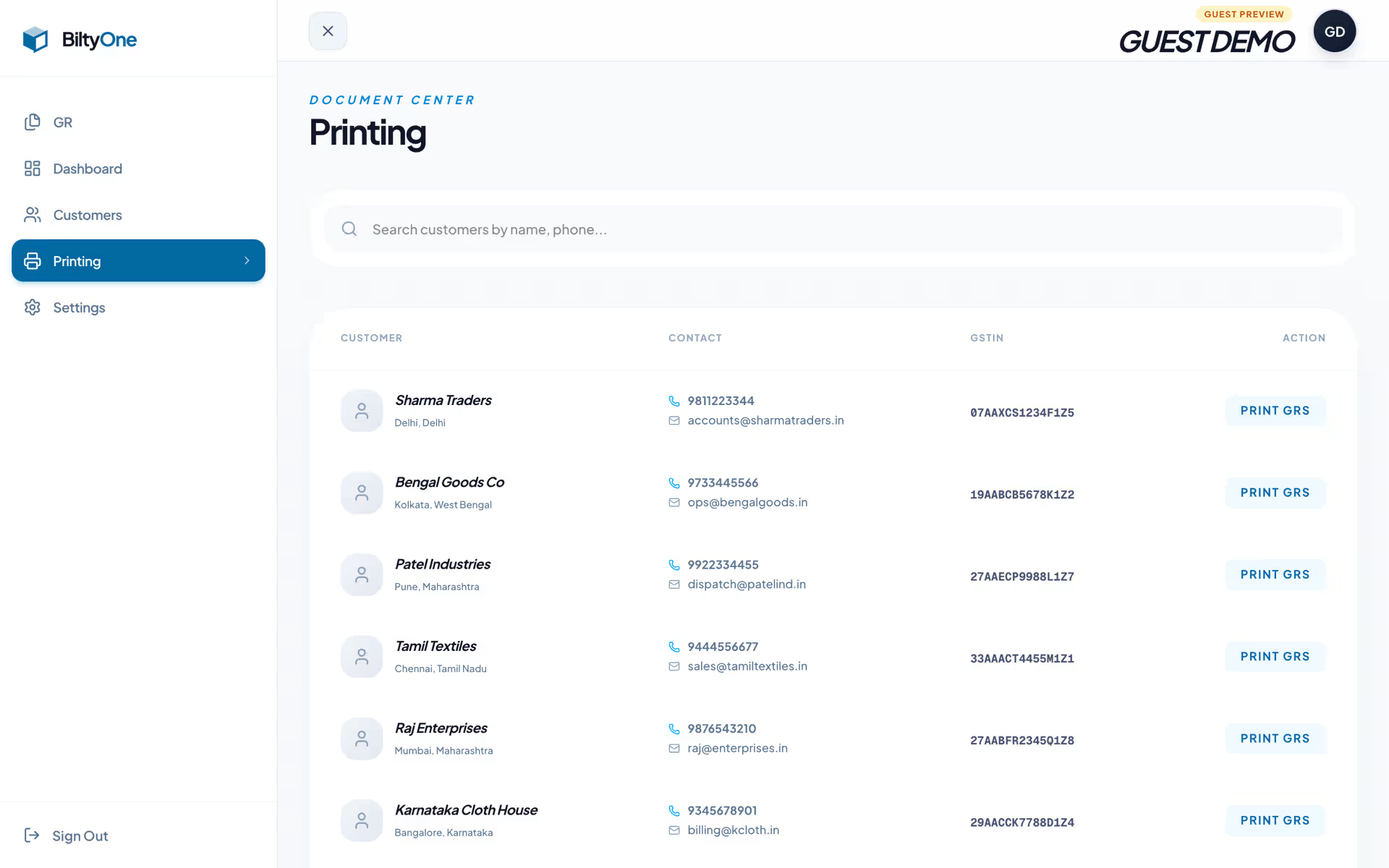
How freight is calculated, what each billing type prints, and everything on the freight bill are covered on the transport billing software page. The full list of capabilities is on the features page.
Moving your transport company to BiltyOne
- Create your company account with your GSTIN, PAN, address and bank details.
- Upload your logo in Settings so it prints on every GR.
- Add your regular customers, and import old GRs from Excel if you want them in the system.
- Run BiltyOne alongside the paper book for a week while staff get comfortable.
- Switch fully. Keep the Excel backup as your archive.
The full plan, with tips for training staff, is in how to move from a paper GR book to software.
What BiltyOne does not do
Being clear about this saves you time. BiltyOne is a focused transport management system, so it does not offer live GPS tracking, route planning, accounting or GST return filing, payroll, or fleet maintenance. It records the e-way bill number on each GR, but you generate the e-way bill on the GST portal. If you need all of these in one product, compare transport ERP software; many transporters use BiltyOne for operations and their existing accounting software for the books.